Postage free from 99€ (DE)
High customer satisfaction


 DE | €
- Vespa Classic
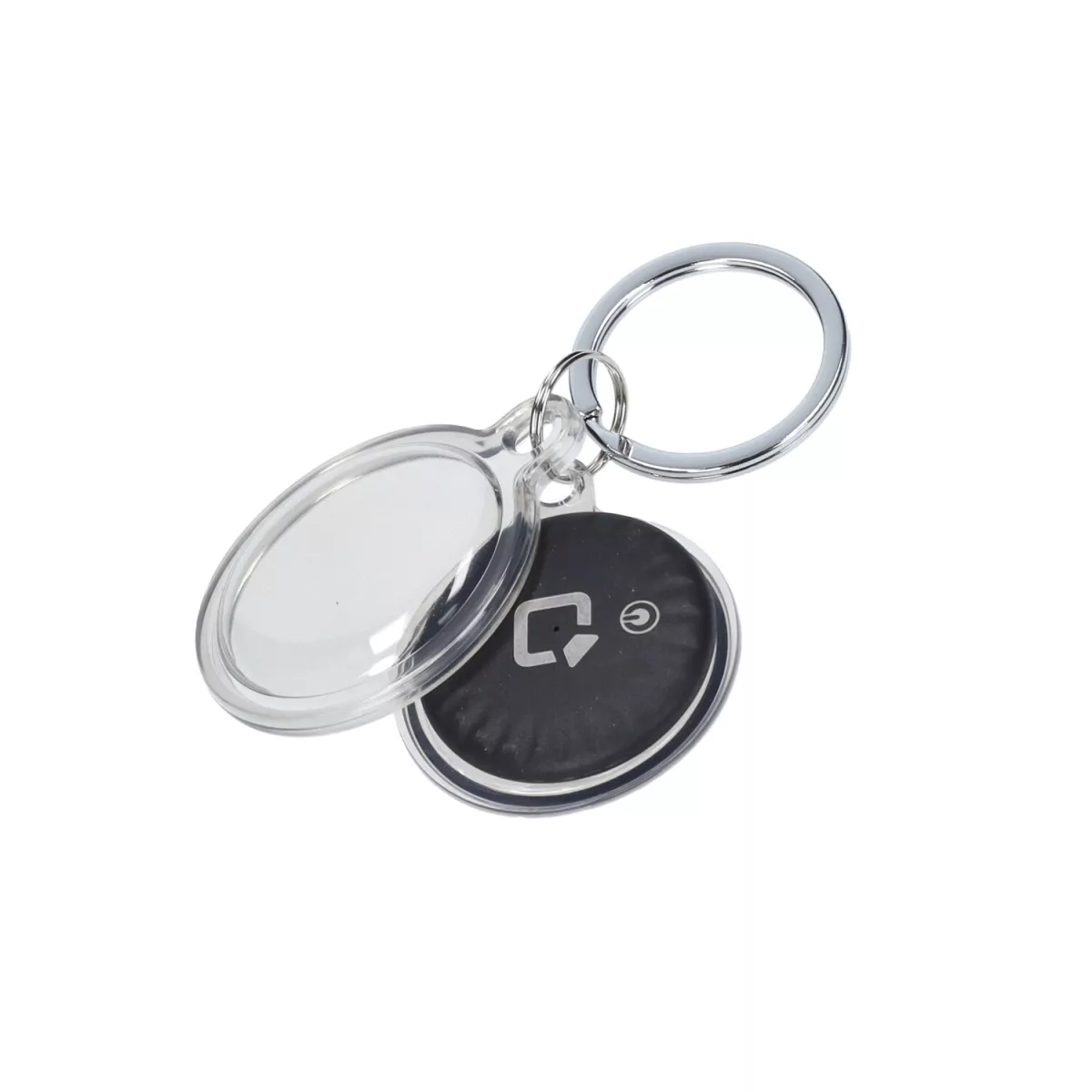
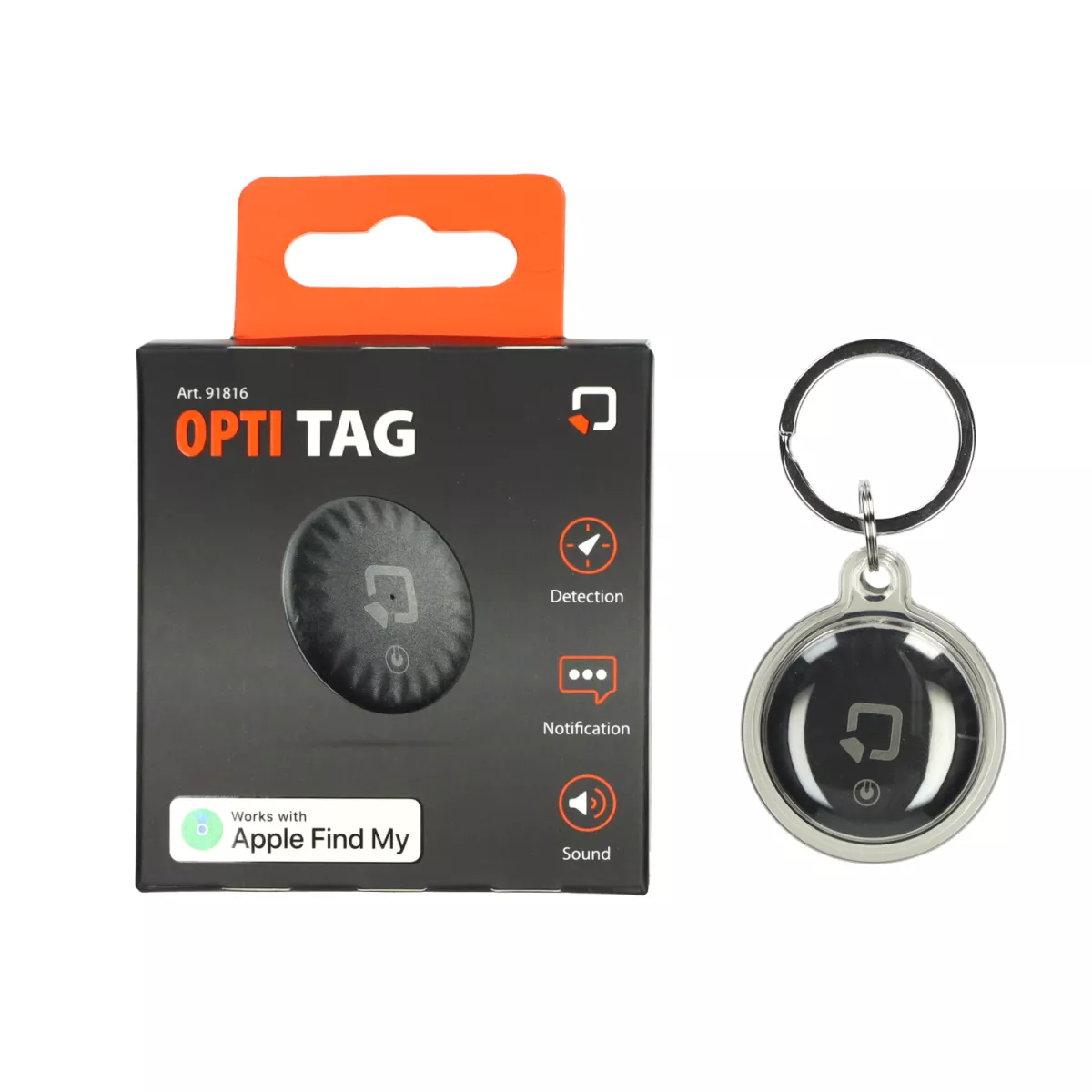
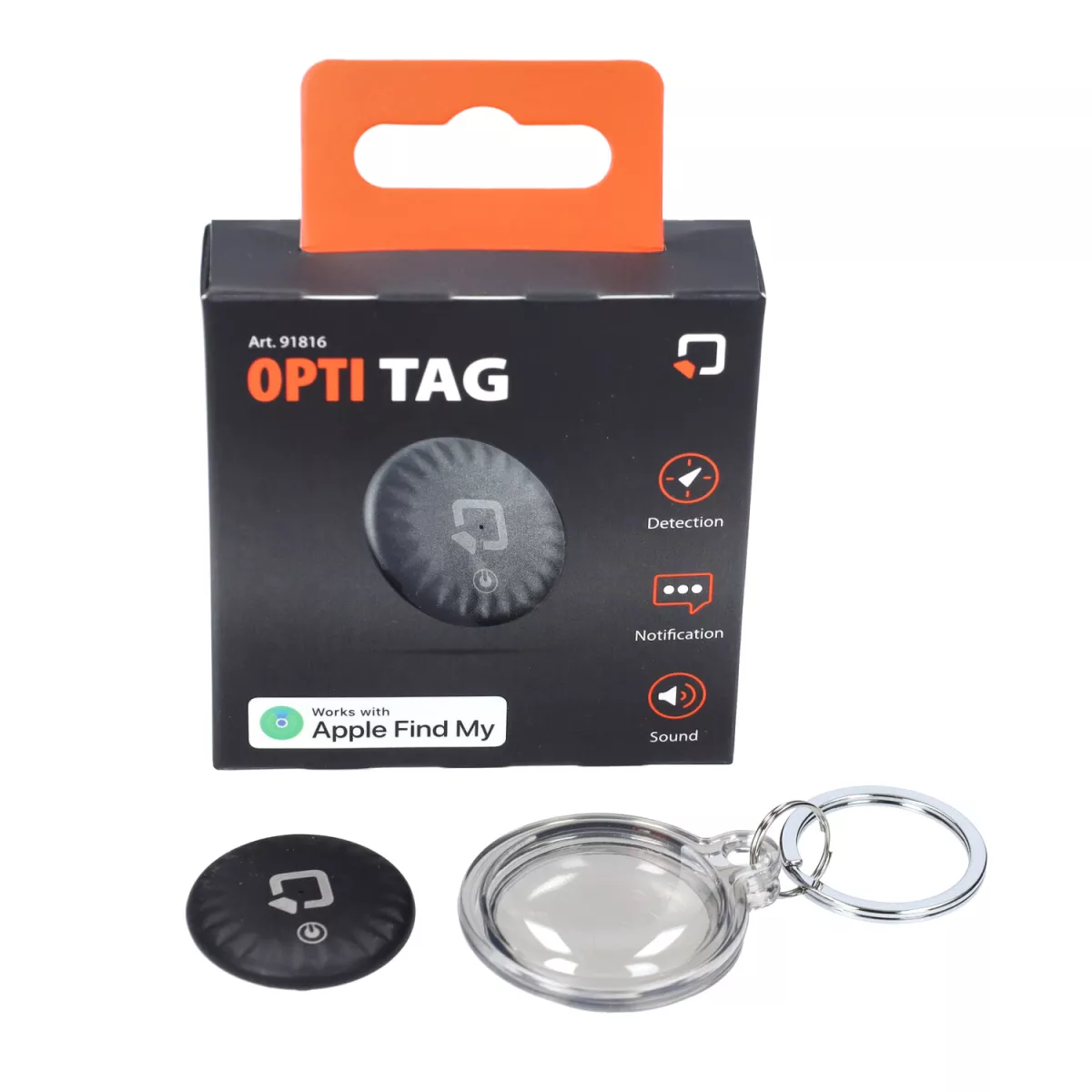
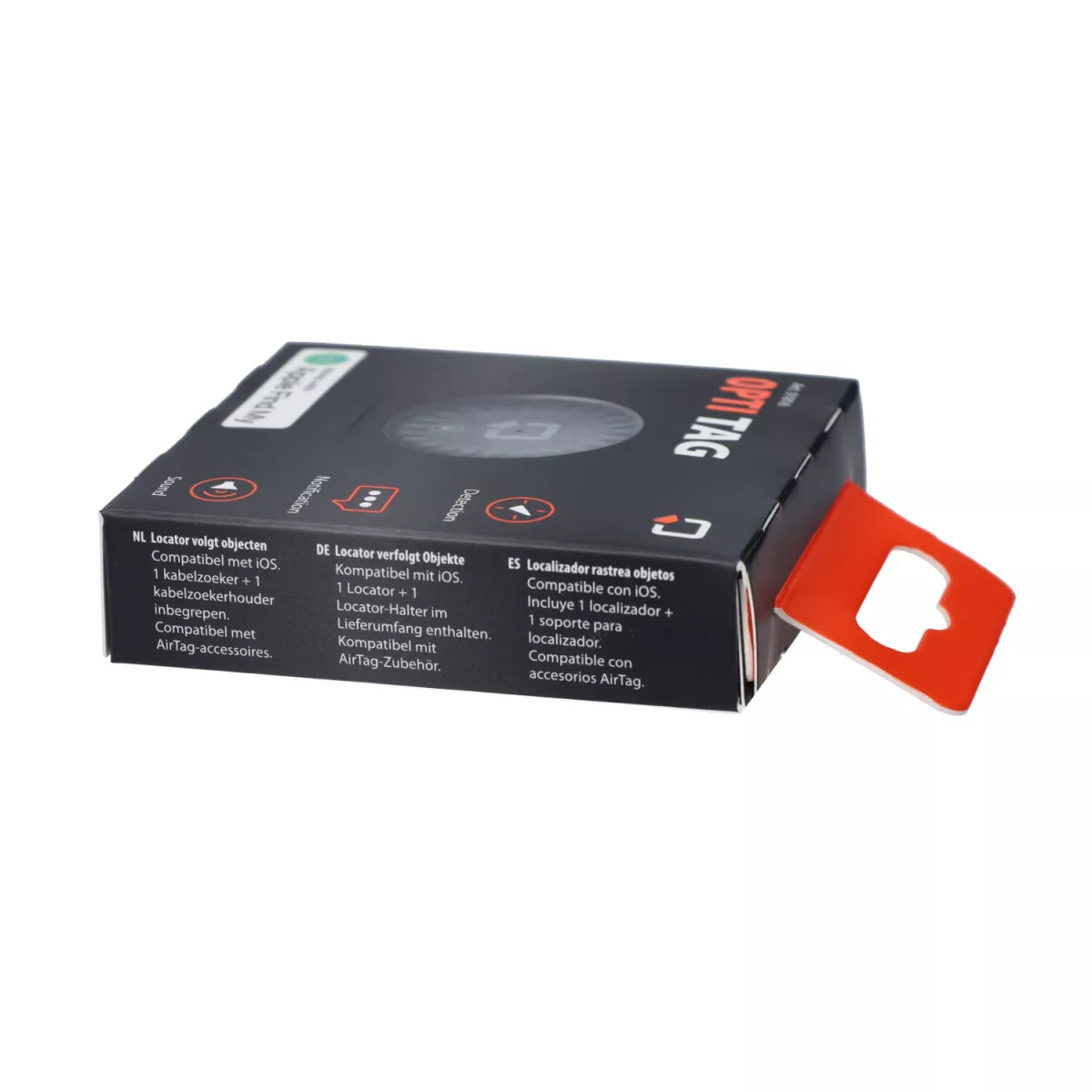
- OptiTag / Tracker -OPTILINE- for Apple "find my"

Compatibility Apple devices that support the Find My app
Connection Bluetooth, NFC
Battery 1 x CR2032 (included), replaceable
diameter 3.3 cm
Contents 1x OptiTag, 1x CR2032 battery, 1x silicone tag holder, instruction manual
OptiTag simplifies the connection to your device with intuitive setup via the "Find My" app.
OptiTag uses Apple's extensive network of connected devices with the Find My service to locate your item anywhere in the world.
Activate your OptiTag's built-in speaker or ask Siri for help to locate it.
If you're looking for your keys and can't find them, OptiTag has the solution.
Access the "Items" section of the "Find My" app and make the built-in speaker in the OptiTag ring.
Or ask Siri: "Hey Siri, find my house keys."
If they're nearby, just follow the sound to find them.
Lost Mode
If the audio option is not enough, you can activate "Lost Mode".
This way, you will receive a notification as soon as your OptiTag is detected by another device on the network.
Through a simple guided procedure, you can also assign a phone number to your OptiTag so that anyone who finds it can easily contact you.
By following these steps, anyone who finds the OptiTag can bring it close to their device equipped with an NFC module and display a message with your phone number.
To activate this mode, open the "Find My" app, access the "Items" section and select the "Lost Tag".
Among the available options, you will find Lost Mode, which activates the process described above.
OptiTag ensures maximum security and privacy:
Communication is anonymous and encrypted, protecting your data and location.
Compatibility
OptiTag is compatible with a wide range of Apple devices, including iPhone SE*, iPhone 6s* and newer models, seventh generation iPod touch* with iOS 14.5* or newer, iPad Pro*, fifth generation iPad* and newer models, iPad Air 2* and newer models, iPad mini 4* and newer models with iPadOS 14.5* or newer. OptiTag is also compatible with AirTag* accessories.
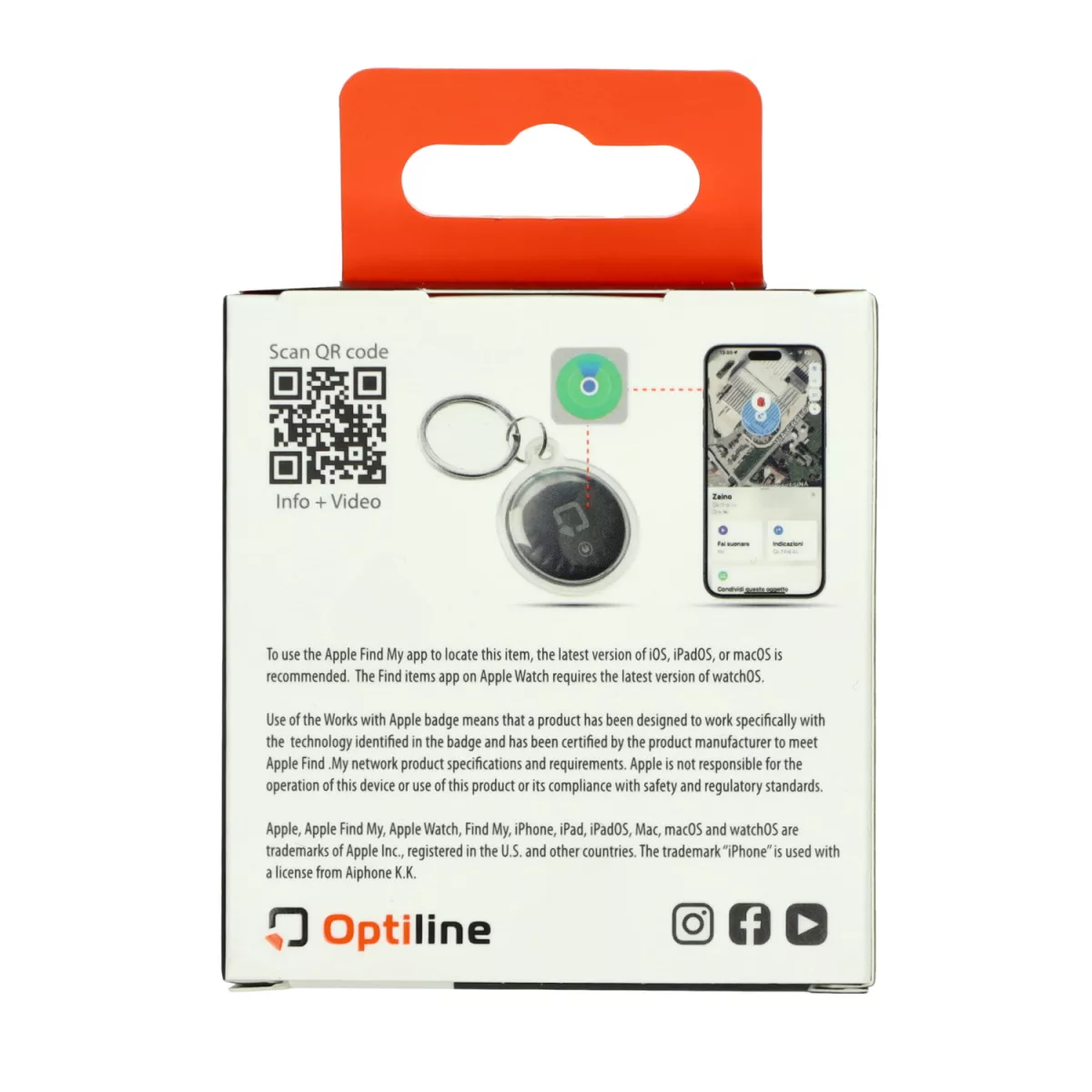
To find this item with the Apple Find My app, the latest version of iOS, iPadOS or macOS is recommended. The Find items app on Apple Watch requires the latest version of watchOS.
Use of the Works with Apple logo means that a product has been designed to work specifically with the technology identified in the logo and has been certified by the product manufacturer to meet the product specifications and requirements of Apple Find My Network.
Apple is not responsible for the operation of this device or the use of this product or for compliance with safety and regulatory standards. Apple, Apple Find My, Apple Watch, Find My, iPhone, iPad, iPadOS, Mac, macOS, and watchOS are trademarks of Apple Inc. registered in the U.S. and other countries. The "iPhone" trademark is used under license from Aiphone K.K.